
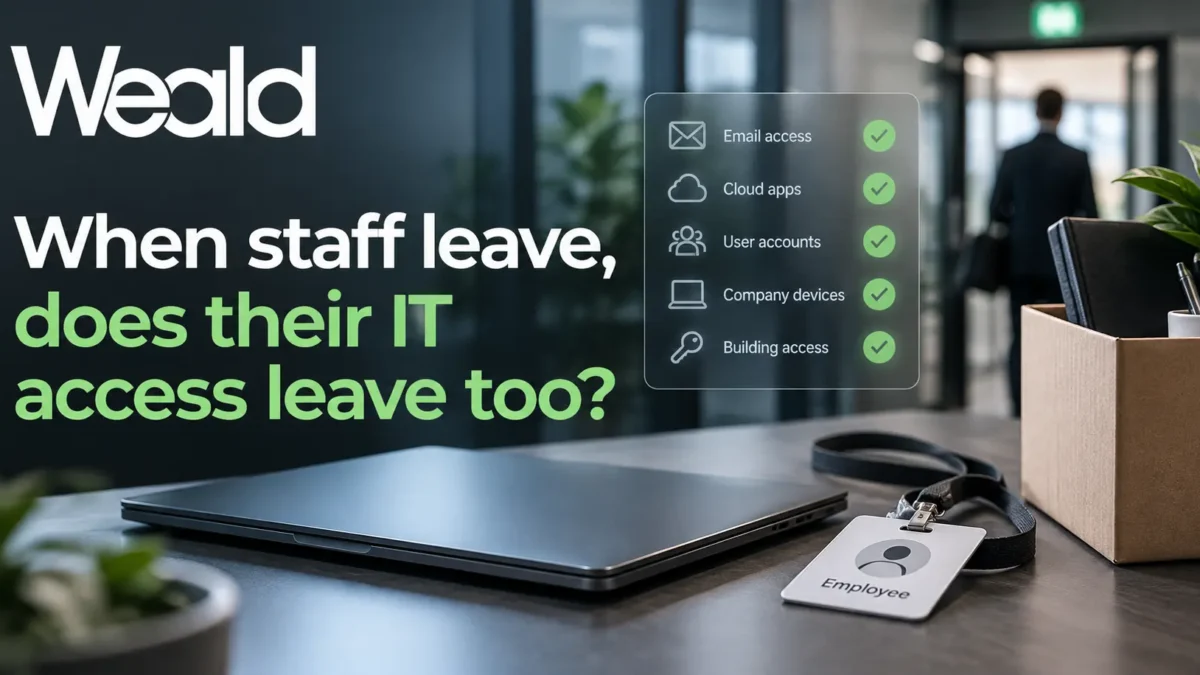
When an Employee Leaves, Is Their IT Access Really Removed?
When someone leaves a business, the obvious steps are usually handled quickly: collect the laptop, disable their email account and remove them from the company directory.
But that does not always mean their access has fully gone.
Modern businesses rely on Microsoft 365, cloud applications, shared folders, mobile devices and third-party services. If offboarding is not handled carefully, former employees can sometimes retain access to company data long after they have left.
Collecting the laptop is only the start
A company laptop is just one route into business systems.
A departing employee may also have:
- Microsoft 365 sessions still active on personal or mobile devices
- Access to shared mailboxes, Teams, SharePoint or OneDrive
- Permissions to third-party cloud applications
- Saved credentials in browsers
- MFA methods still linked to their account
- Access to VPNs, remote desktop services or other internal systems
That is why good offboarding should be a defined process rather than simply disabling an email address.
Block sign-in and revoke active sessions
One of the first technical steps should be to block the user’s ability to sign in.
It is also important to revoke any active sessions. Otherwise, an account that has technically been disabled may still remain signed in on a device or application for a period of time.
This is particularly important where employees have used Microsoft 365 on personal phones, tablets or home computers.
Review Microsoft 365 access
Microsoft 365 access often extends beyond email.
A proper review should consider:
- Outlook and Exchange Online
- Teams
- SharePoint
- OneDrive
- Shared mailboxes
- Distribution groups
- Security groups
- Administrative roles
- Microsoft 365 applications installed on devices
The aim is not simply to stop access, but also to make sure the business retains any information it still needs.
Protect company email and files
Former employees may hold useful business information in their mailbox or OneDrive.
Before deleting an account, the business should consider whether:
- email needs to be retained
- mailbox access should be delegated
- files need to be transferred to another member of staff
- automatic replies are required
- incoming email should be redirected
The correct approach will depend on the employee’s role and the organisation’s retention requirements.
Do not forget third-party applications
Microsoft 365 is only part of the picture.
Many businesses use separate systems for accounting, CRM, payroll, remote access, cloud storage, marketing, support, project management and other functions.
These accounts need to be reviewed individually.
A simple checklist can prevent a former employee from retaining access to a system that everyone assumed had been dealt with.
Review devices and MFA
Company-owned devices should be returned and checked.
That may include:
- laptops
- desktop computers
- mobile phones
- tablets
- security tokens
- access cards
Multi-Factor Authentication methods should also be reviewed so that old phone numbers, authentication apps or security keys are no longer associated with the account.
Recover licences
Offboarding is also a useful opportunity to review software licences.
Microsoft 365 licences, security products, backup services and other subscriptions may be reusable or removable once an employee leaves.
For organisations with regular staff changes, this can prevent unnecessary licence costs building up over time.
Make offboarding a standard process
The most effective approach is to use a consistent onboarding and offboarding checklist.
For an offboarding process to work properly, the required actions need to be agreed with the client in advance. Some steps can be automated, including through tools such as CIPP, but the business still needs to define and approve what should happen when someone leaves.
That way, each employee is handled in the same way and important steps are less likely to be missed.
A good offboarding process should cover:
- account access
- active sessions
- Microsoft 365
- third-party applications
- company devices
- MFA
- shared resources
- data retention
- licence recovery
None of these steps is particularly complicated, but together they form an important part of good cyber security.
Good security often comes down to good processes
Cyber security is not only about firewalls, antivirus software and sophisticated security tools.
Simple operational processes matter too.
Making sure former employees no longer have access to company systems is one of the basic controls every organisation should have in place.
If you would like help reviewing your Microsoft 365 security, onboarding or offboarding processes, Weald IT can help.